Your screen, your face, your voice, in one take
ScreenChest zooms in on your clicks, so viewers always see what you're doing. A lightweight native Mac app with a built-in editor.
Download for macOSFor Apple silicon Macs, on macOS 26 or later. Free and open source.

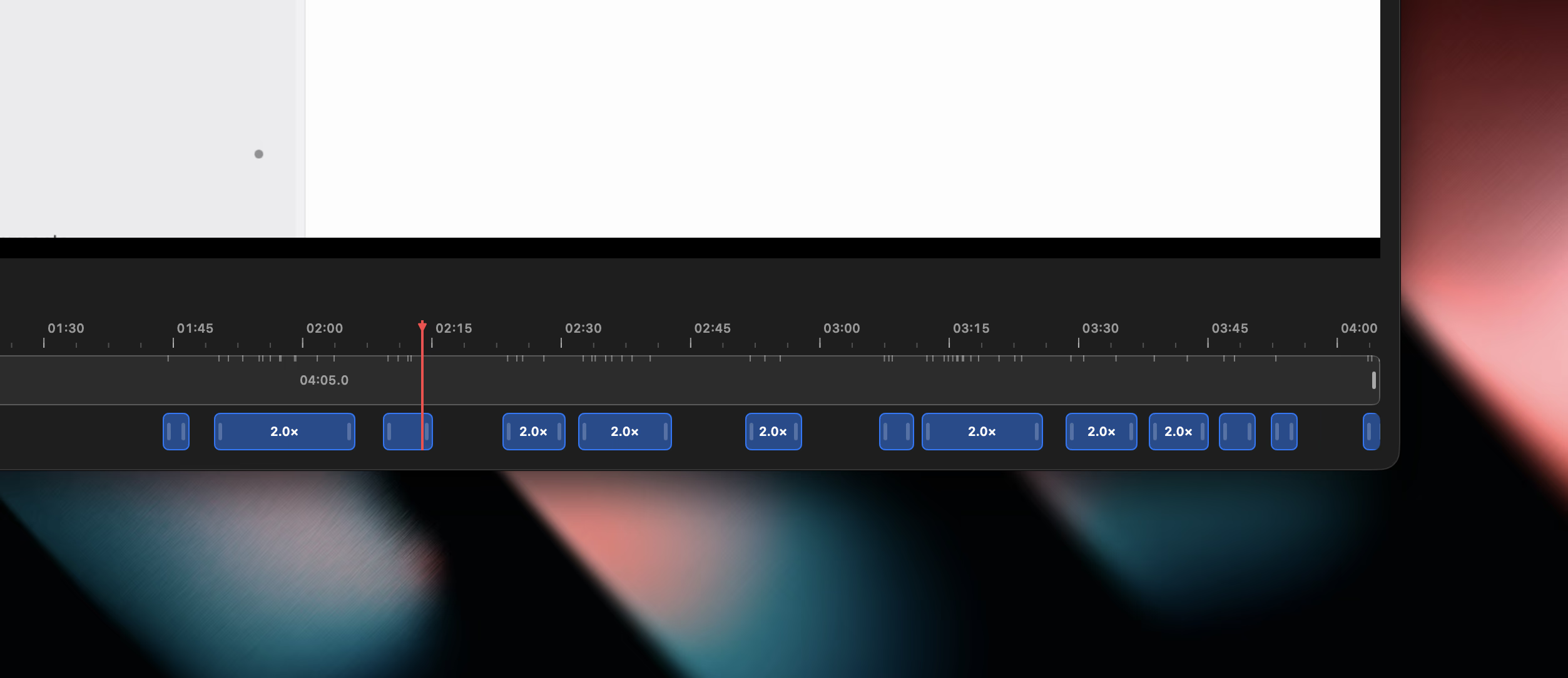
Automatic zooms
ScreenChest adds zooms by following your clicks and cursor, so the important moments stand out. It gets you most of the way, and you finish the rest: drag, resize, or add zooms right on the timeline.
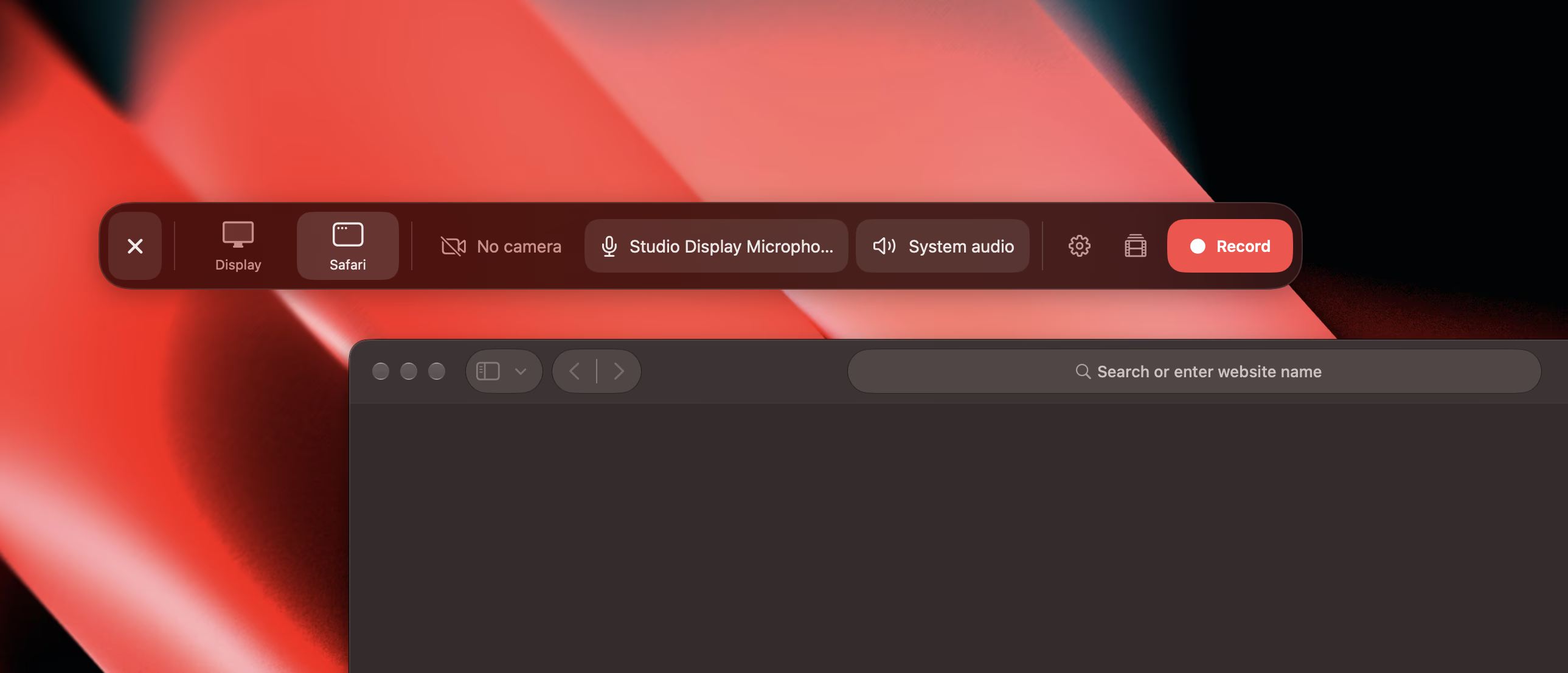
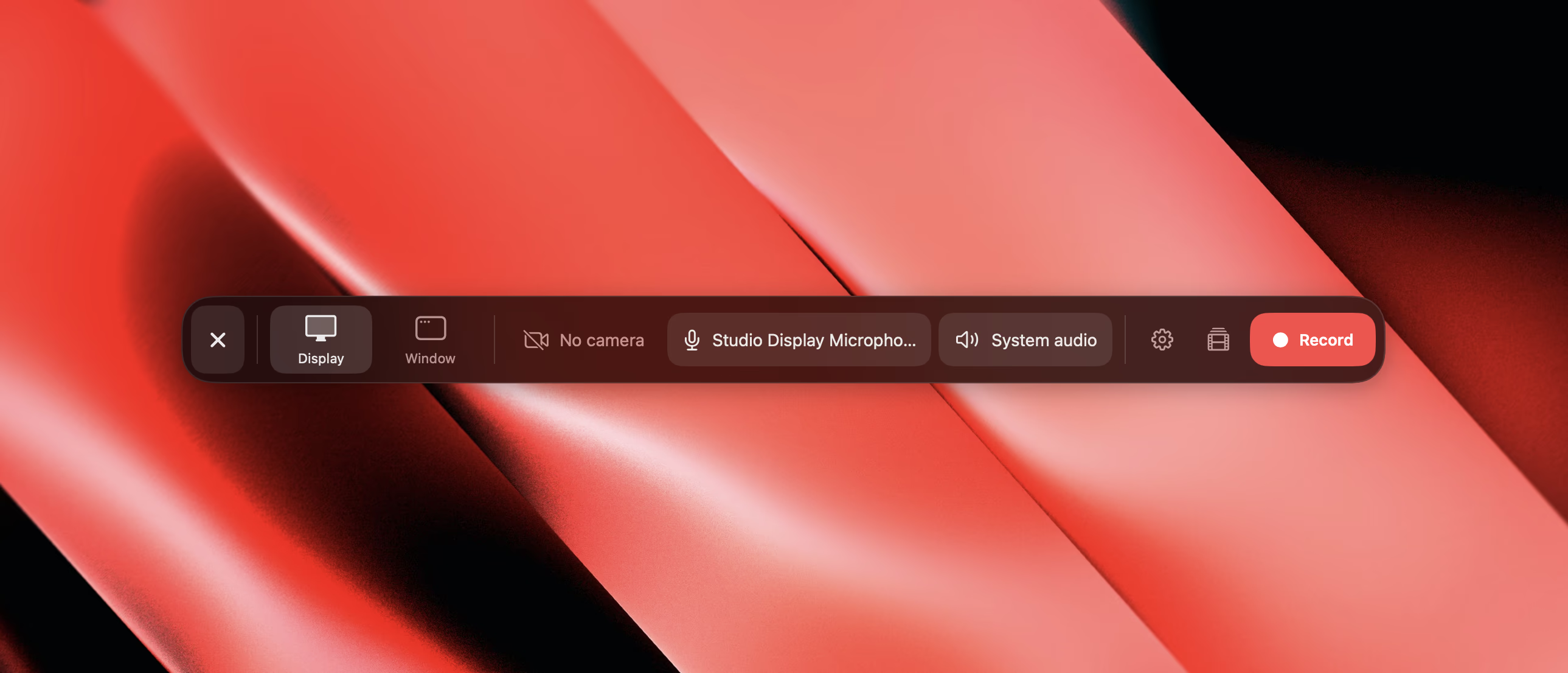
Record a display, or just one window
Camera, microphone and system audio record alongside it, lined up to the same frame.
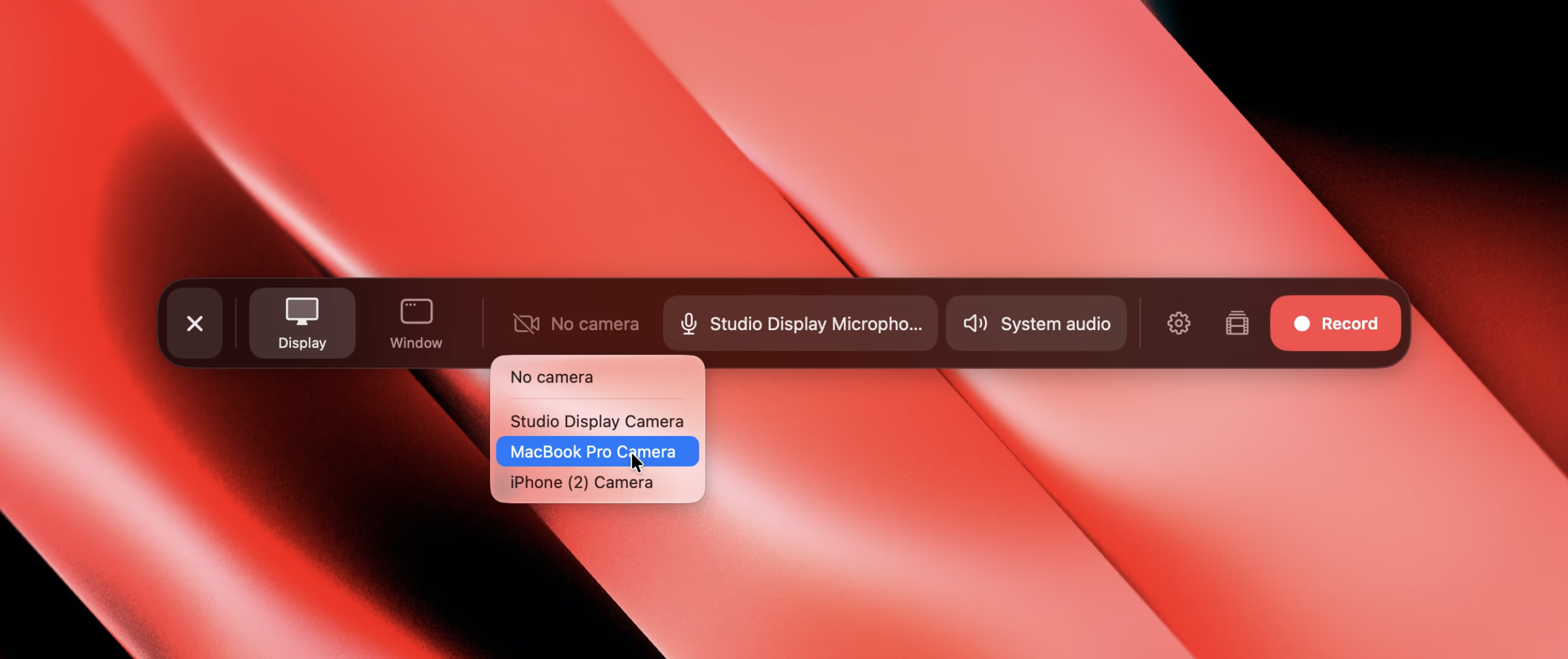
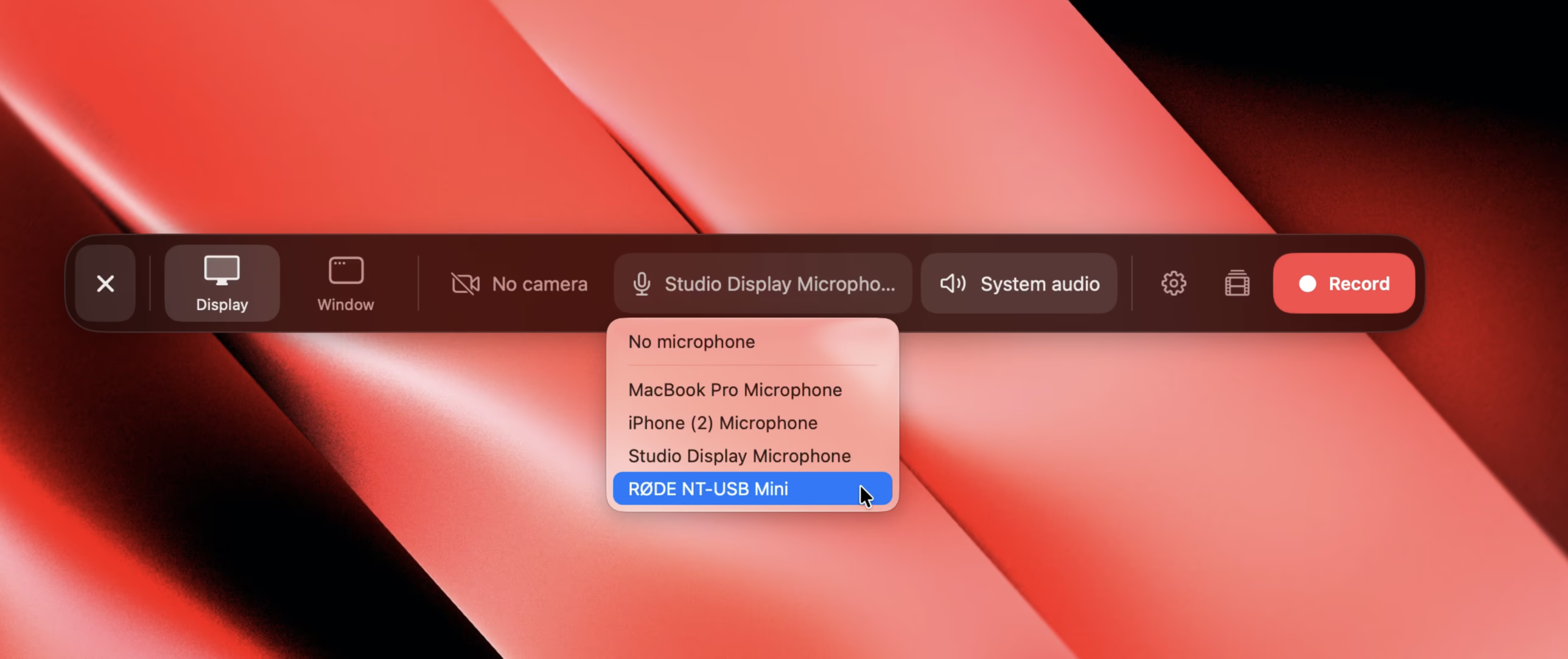
Use any connected camera or microphone
Pick from every camera and microphone your Mac can see: the built-in ones, a Studio Display, a USB mic, or your iPhone through Continuity Camera.
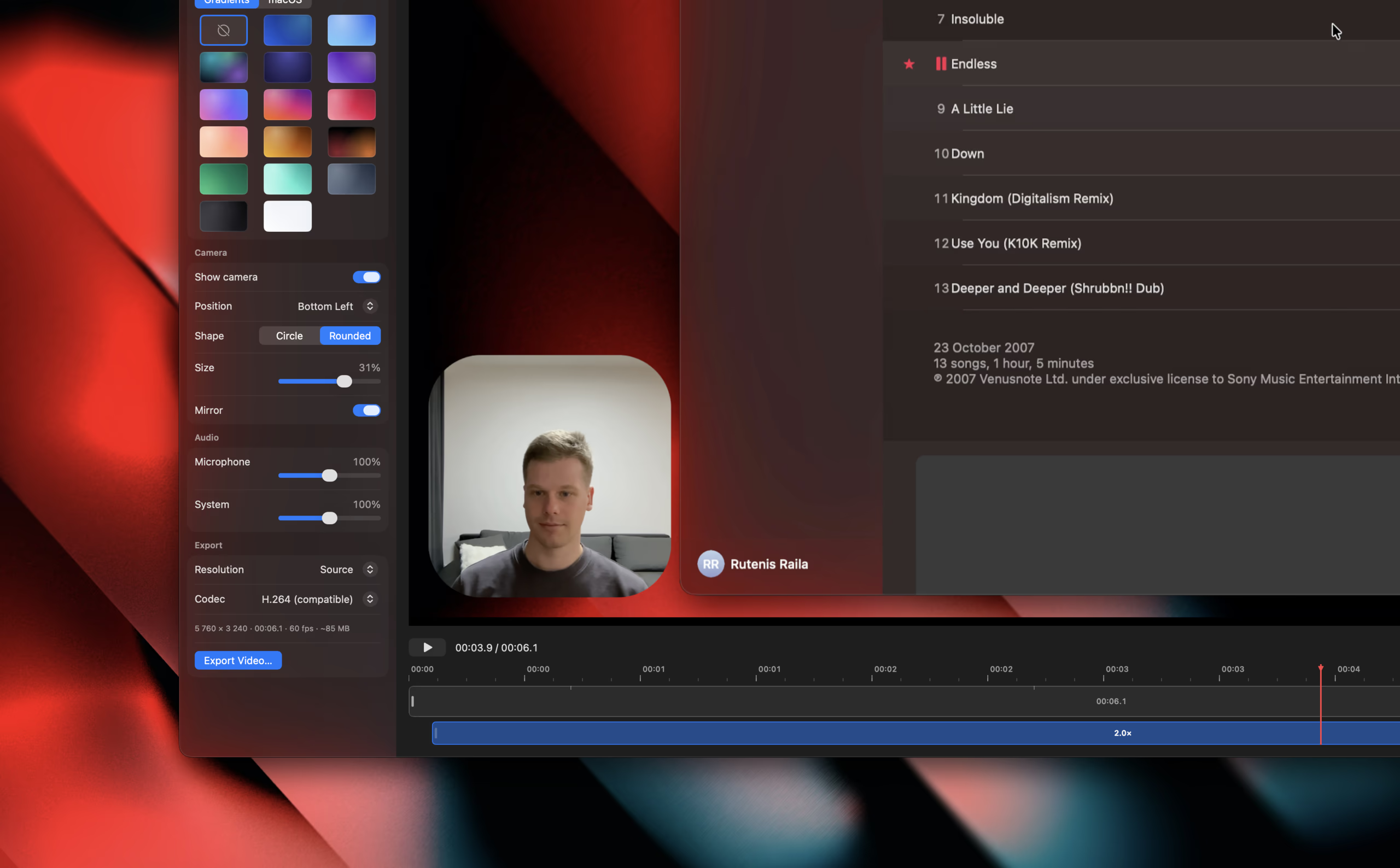
Put yourself in the corner
Add your camera as a bubble and pick its corner, size and shape. Mirror it so you look the way you expect to.
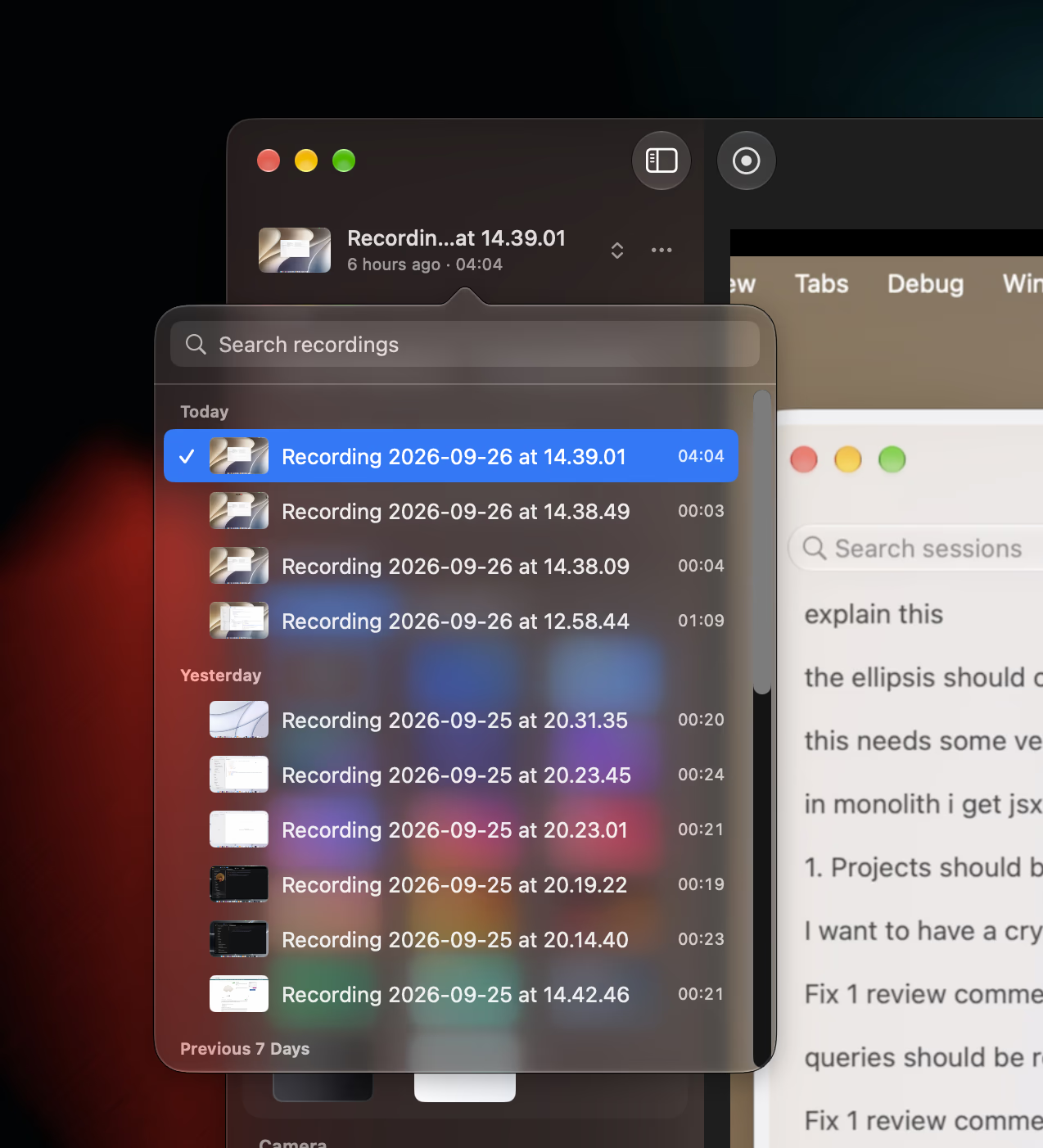
All your recordings in one place
Every take lands in one library, with thumbnails, search and the edits you made to each. Pick one up right where you left it.
Frame it nicely
Set your recording on a wallpaper or gradient, with padding, rounded corners and a shadow.
Audio
Balance your microphone against system audio before you export.
Plain files on your Mac
Each recording is a package in your Movies folder, edits included.
Native to the Mac
Built with SwiftUI for macOS 26 and later.